MD Editor

for GitHub

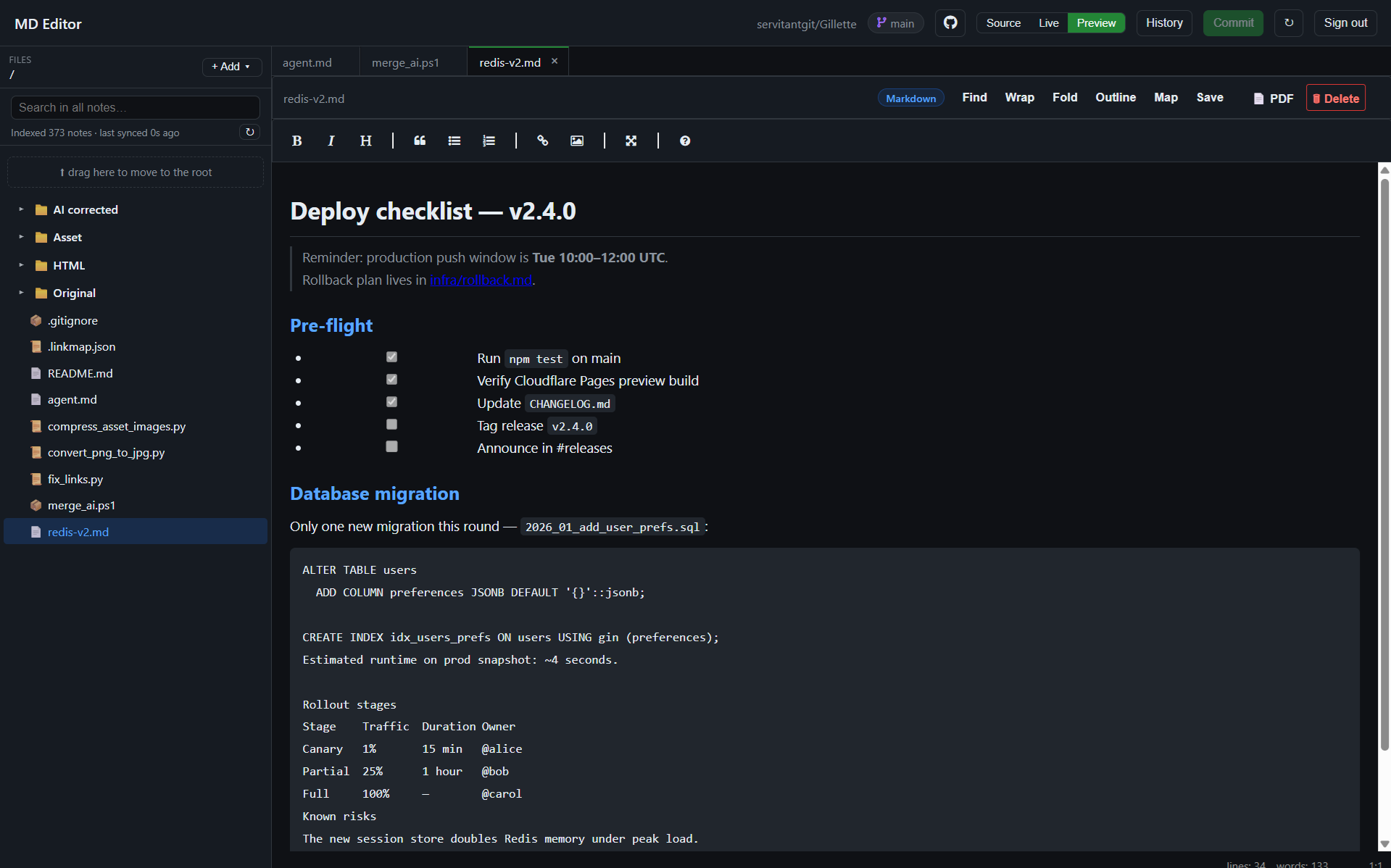
Browser-based Markdown editor for any GitHub repo — public or private. No local clone, no build step, no Personal Access Token to create.

  • GitHub OAuth login — one click, no manual tokens; 2FA stays on GitHub's side
  • Layout modes — Source / Live side-by-side / Preview, remembered between reloads
  • Full file & folder CRUD — create, rename, move, delete, with automatic link rewriting on move
  • Multi-tab editing — each tab keeps text, undo history, cursor and scroll; Preview follows the active tab
  • Autosave + local drafts — drafts in IndexedDB, idle commits to GitHub, conflict recovery, survives reload
  • Full-text search — indexed locally in the browser, Ctrl/Cmd+K from anywhere
  • Commit / Push / History — multi-file commits via Git Data API, dirty badges, per-file diffs
  • Working inline image previews — resolved through the GitHub API, so they work in private repos too
  • PDF export — the active page rendered to PDF in one click
  • Nothing to install — plain HTML/JS on Cloudflare Pages, works straight in the browser
No local clone No build step No manual tokens Private repos MIT License

The access token is issued by GitHub and kept only in this browser tab (sessionStorage) — our server sees nothing except the one-time code-for-token exchange.

Source & issues: servitantgit/MD-Editor by servitantgit

MD Editor

main
Files
Drop a folder here to upload
No file selected —
Drop to add an image to the file
Diff
Commit changes
Changed files click to view diff
Creates a Git commit on the current branch via GitHub API
History
Select a commit